How it works
From temp name to private random chat in seconds.
Chatkode is a random chat app first: pick a temporary name and gender, Match or Skip into a private 1:1, chat privately, then claim your account within 24 hours — no phone number, no app install.
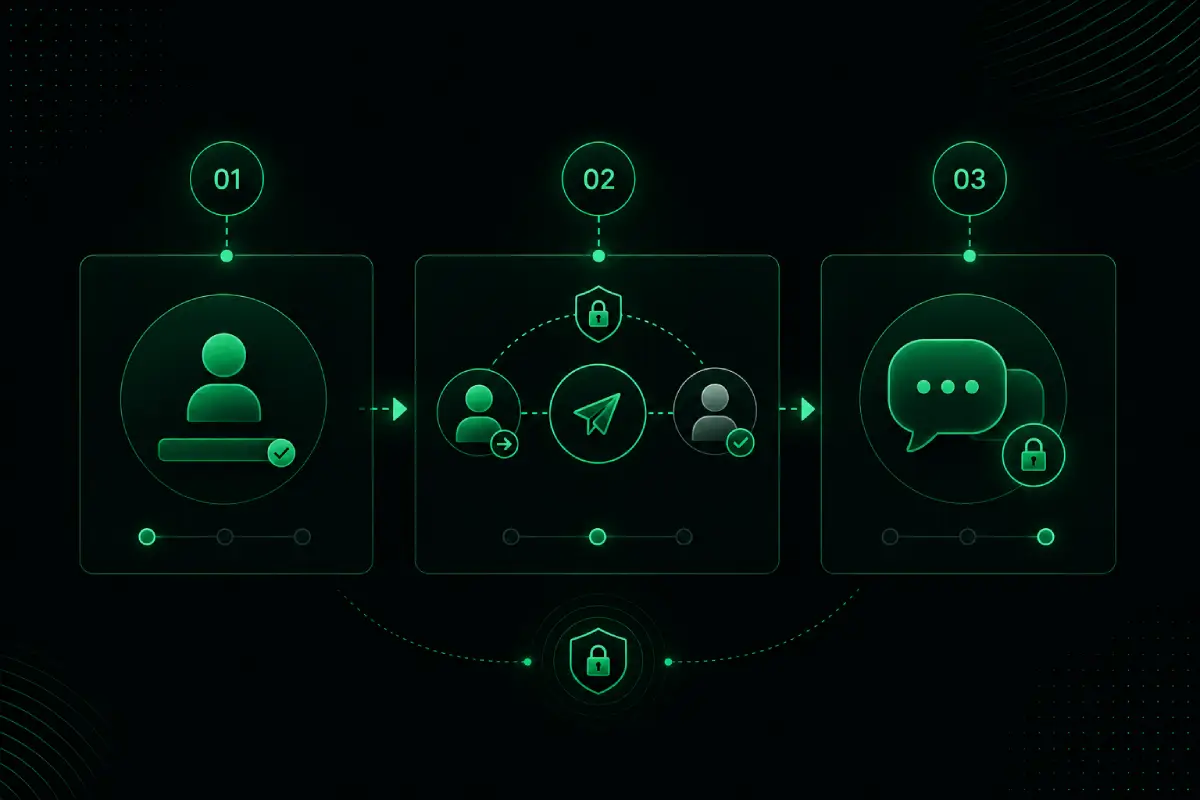
Step by step
Four steps to random chat.
Here is how Chatkode random chat works — designed for people who want private 1:1 conversations without phone numbers, app stores, or dating-app friction.
-
01
Join with a temporary account
Open app.chatkode.com/random in any modern browser. Enter a temporary name and gender — no phone number, no download, no store listing. You are chatting in seconds.
-
02
Match or Skip
Tap Match to pair with someone online for a private 1:1. Not a fit? Skip and find a new partner anytime — you stay in control of every conversation.
-
03
Chat privately
Once matched, message privately in your browser. Use Block and Report if needed. Explore privacy tools on the features page and security page.
-
04
Claim your account within 24 hours
Temporary accounts expire in 24 hours unless claimed. Claim early to keep chats and media. After claiming, you can optionally add friends — random Match/Skip stays the main way to meet people.
Browser random chat
Random chat that travels with your browser.
Whether you are on a phone, laptop, or temporary device, Chatkode opens like any other website. Match into a private 1:1 without installing another app. See more on use cases and random chat.
- No app store download
- Temp name + gender — no phone number
- Private 1:1 Match/Skip

Quick answers
Common questions about how random chat works.
Can I start random chat without downloading an app?
Yes. Chatkode Random Chat runs fully in the browser on mobile, tablet, and desktop.
Do I need a phone number to start?
No. Temporary signup only asks for a name and gender — no SMS verification.
What do Match and Skip do?
Match pairs you with someone for a private 1:1 chat. Skip ends the current match so you can find someone new.
More answers in the full FAQ, or learn why we built Chatkode.
Ready to try random chat?
Pick a temp name, Match or Skip, and start a private 1:1 in your browser.
Keep exploring
Related Chatkode pages for private browser chat, security, and help.